Your LinkedIn presence - a little more elegant
Have you ever wondered why some LinkedIn profile URLs have a string after the name and others look much more elegant? That's because LinkedIn creates a version with digits by default. But you can customise it yourself!
We'll tell you how to quickly change your URL here.
Log in to the LinkedIn profile where you want to change the URL. Then visit the LinkedIn Settings. The launcher is a feature provided by LinkedIn itself.

In the upper right corner you will find the option to edit your profile URL. To do this, simply click on the icon with the blue pencil next to your URL.

An editable field will then open in which you can adjust your URL. Do you only want to enter the last name? Do you want to remove the additional characters? Do you have other plans? All this is possible. Just note that your URL must contain 3-100 characters and no spaces or special characters.

If you now confirm this change, your individualised URL will be saved. Please note: It may take a while until search engines recognise this change and list it correctly. Unfortunately, neither you nor LinkedIn have any influence on this.

If you have followed these steps, your LinkedIn URL should now look really chic. Don't forget to customise your new URL in signatures and documents, or wherever you put it!
And don't worry: the old URL will still be valid, so old links will still work.
Does something not work as we have described here? Have there been updates or changes? Please let us know in our contact form, we will then provide a new version of this explanation as soon as possible!

More from our blog

Do we still need code generators when AI is programming?
Simon examines how AI and code generators fit together and what that actually means for the work of wunschlösung.
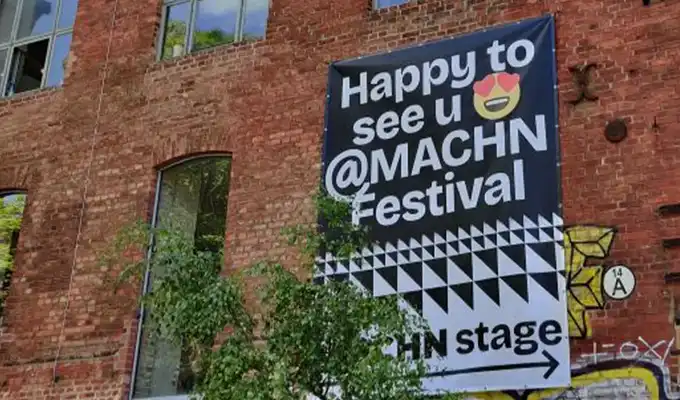
Day 2 MACHN 2025: The festival for tech, business and art
Experience the highlights of the second day of MACHN 2025. From exciting presentations to insights into current trends and topics from the world of technology, business, and art.
Day 1 MACHN 2025: The festival for tech, business and art
Experience the highlights of the first day of MACHN 2025. From exciting presentations to insights into current trends and topics from the world of technology, business, and art.
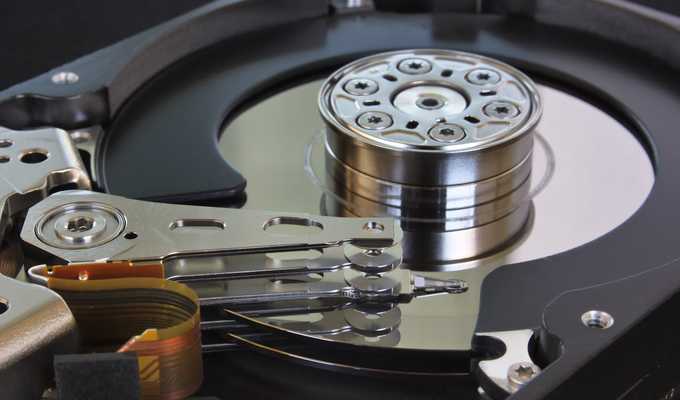
World Backup Day 2025 - A good time for your backup?
31 March is World Backup Day. Learn how to make effective backups and what happens when you don't.